Blocky Blast Puzzle Guide: Plan the Tray Before Placing a Block
Learn drag-and-drop placement and row or column clears, then compare placement orders without relying on an unverified board size or score target.
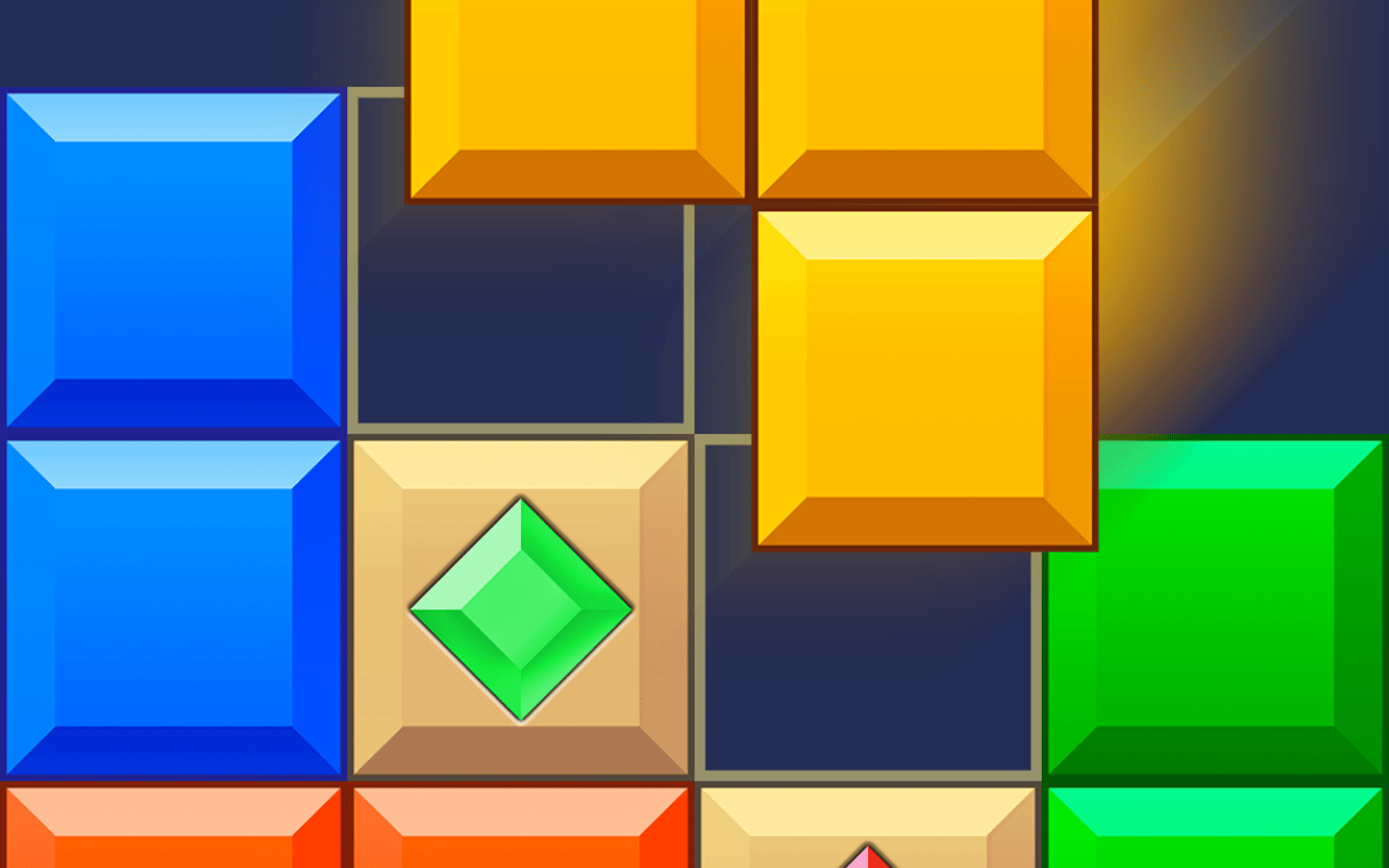
Blocky Blast Puzzle asks you to fit shapes into a board and clear filled rows or columns. The important planning unit is the set of available pieces, not just the piece nearest your pointer.
How placement works
The browser instructions describe dragging a block to an empty position on the grid. A completed horizontal or vertical line clears. The tray supplies three blocks, so a placement can affect whether the remaining shapes still fit. Desktop uses the mouse; the published touch instructions use finger dragging.
Inspect before dropping
- Look at every shape in the current tray and identify the one with the fewest possible positions.
- Check a candidate position for that shape, but do not assume it must be placed first.
- Ask whether another piece could complete a line and open a better position.
- After each actual clear, examine the changed grid again before committing the next block.
Consider a simple planning example: one piece cannot fit now, but a smaller piece can complete a row that crosses its intended area. Check the cells that would remain after that clear. If the resulting space fits the difficult piece, the smaller placement may solve the problem. If not, the clear alone is not enough. This is a hypothetical reasoning example, not a scripted level solution.
Empty area is not the same as usable space
Several isolated empty cells may be less useful than one connected space with the same number of cells. Compare the outline of a remaining piece with the outline of the gap. Avoid judging a board only by how empty it looks.
The previous articles prescribed a central four-square opening, a permanent 3×3 gap and a loss threshold near 2,000 points. Those fixed rules were not established. Use the pieces actually shown rather than sacrificing a valid move to preserve an arbitrary pattern.
If a drag does not place a block
Check whether every occupied cell in the shape fits the proposed empty space. Try the tutorial's indicated position before concluding that the input is broken. Do not assume rotation or a rescue feature is present unless your version displays it.
Evidence and limitations
The October 16 PlayZunio test reached the placement tutorial but did not confirm a successful drop. The mechanics above were checked against the published browser instructions. Board dimensions, exact scoring, optional modes and touch behavior on PlayZunio are not certified by that test.