Explore All Games
PlayZunio — Play more. Anywhere.
◎ English⌄
Play →

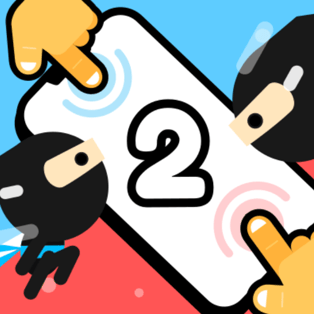
GoBattle 2

ActionWeb BrowserNo downloads
Instant browser play

About GoBattle 2

GoBattle 2 brings competitive minigames together in one player. The useful habit is to treat each round as a new set of rules rather than assuming that the previous objective still applies. A challenge may ask you to move, react or position yourself in a different way, so read its instructions before committing to a strategy. Start with an available game and identify the action that decides the round. Once the controls are clear, watch what the other character is doing and adjust your response. Learning the rule first makes quick reactions more useful when the competition begins.
Read more ⌄

The variety comes from changing objectives. A reliable approach is to separate learning a round’s controls from trying to win it immediately.

Categories: Action · All Games

How to Play

Open the player and choose an available challenge. Read the round’s objective and input prompts, try the required action, then use the result to adjust your next attempt. Recheck the instructions when the minigame changes.

Tips & Strategy

  • Identify what actually wins the round before acting.
  • Recheck controls when a new minigame begins.
  • Watch the other character’s position as well as your own.
  • Change one decision after a loss so you can tell whether it helped.

Game Features

  • A collection of competitive minigames.
  • Different objectives across challenges.
  • Round-specific input instructions.
  • Short attempts that reward adaptation.

Guides & Articles

View all →

Quick Answers

Are the rules identical in every round?

No. Read the instructions for the selected minigame because its objective and required actions can differ.

Where do I find the controls?

Use the control prompts shown for the current challenge inside the player.

How should I approach a new minigame?

Identify its objective, practise the required action, then respond to the opponent’s movement.