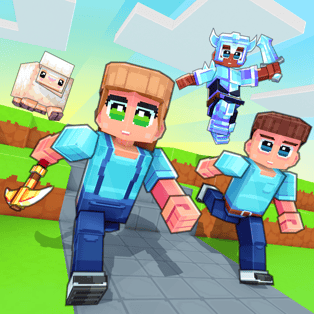
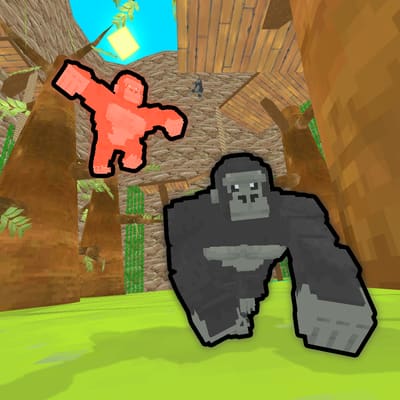
MineFun.io presents a block-style world with available modes selected inside the game. Your immediate objective depends on the mode you choose, so check its instructions before treating every area as the same challenge. Movement and camera control are the shared starting skills: learn to face a landing area, judge a gap and stop safely before attempting a difficult route. Open the player and choose an available option from its lobby. Networked rooms also depend on the provider establishing a connection; reaching the lobby alone does not mean a room has successfully started. Follow the status shown by the game.
Read more ⌄
Learn the selected mode’s objective before exploring. A steady camera and controlled movement make it easier to navigate unfamiliar block-built spaces.
Wait for the lobby, select an available mode or room, and follow its connection and control prompts. Once a playable session begins, practise movement in a clear area. Face your intended landing before attempting a jump.
Tips & Strategy
Read the objective after selecting a mode.
Practise camera movement before attempting a narrow landing.
Line up a jump from a stable starting position.
If a room connection fails, read the game’s status and try an available room again rather than assuming the session has begun.
Game Features
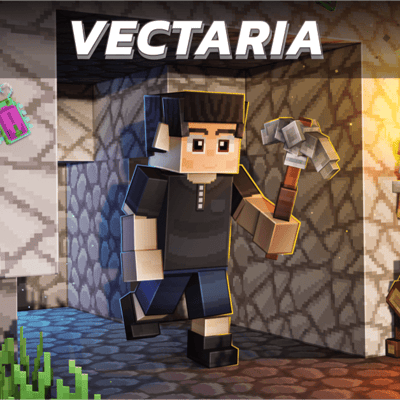
A block-style game world.
Mode selection through an in-game lobby.
Movement and camera control.
Provider-managed room connections for networked play.
No. Follow the instructions for the mode selected in the lobby.
Does seeing the lobby mean I joined a room?
No. A networked room still needs a successful provider connection before play begins.
What should I practise first?
Practise movement and camera control in a clear area before attempting difficult jumps.
YOUR PRIVACY, YOUR CHOICE
Choose your analytics preferences
Allow Google Analytics to help us understand site use? Optional analytics stays off until you accept. Security, preference storage and short-lived live presence remain active. Privacy policy