Chess Online for Beginners: A Practical Plan for Your First Game
You do not need an opening encyclopedia to begin. Learn what the board is asking, check your king and build a simple routine before each move.
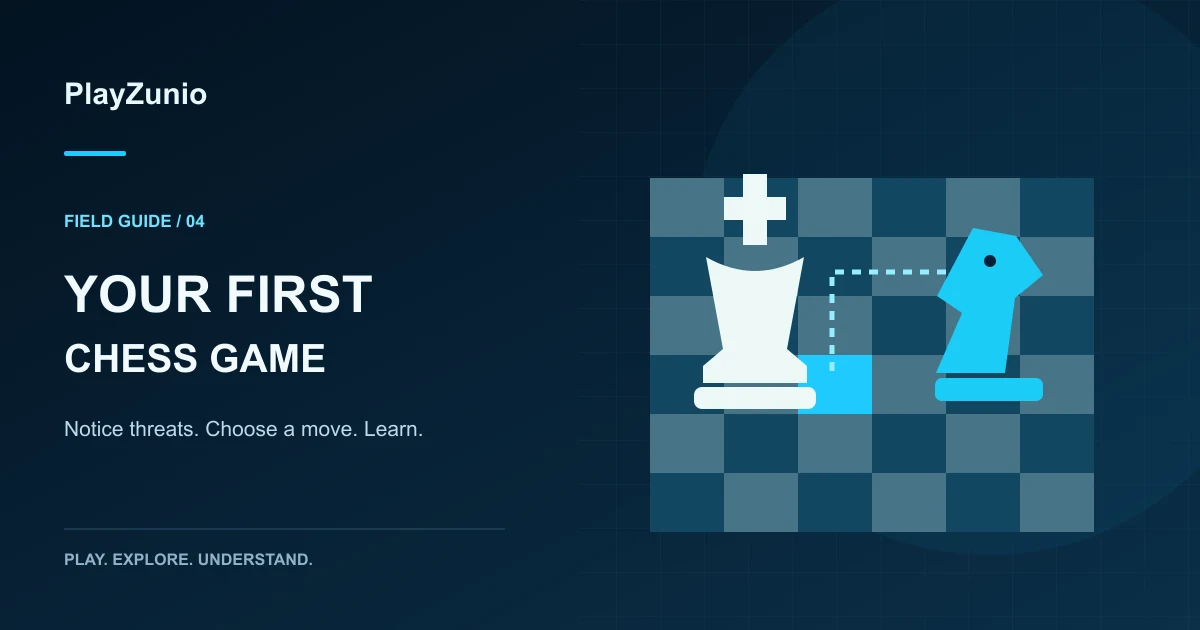
The best way to approach chess online for beginners is to choose an understandable game mode, learn the legal moves, and check your king before every turn. Start with the PlayZunio chess collection. If the selected game offers an untimed or slower setting, use it while learning; not every title includes the same opponents, clocks or teaching tools.
Your first objective is to finish a game while understanding your decisions. A memorized opening is less useful if you overlook an attacked piece two moves later. Treat the early sessions as practice in noticing threats, making a legal reply and reviewing one mistake you can recognize next time.
Choose a mode you understand
Read the start menu before moving a piece. Are you playing a computer, sharing a device with another person or connecting to an online opponent? Is a clock running? Can you restart, ask for a hint or review the moves? Those features affect how you should practice, and their presence must be checked in the actual game.
If there is a difficulty selector, begin at a level that lets you think. A game that ends before you understand the first exchanges is not necessarily productive practice. Conversely, an easy opponent is useful only if you still ask why a move works rather than clicking through automatically.
Keep a short rules reference nearby
In standard chess, White moves first. Bishops travel diagonally, rooks along ranks and files, and the queen combines those directions. Knights move in an L shape and can jump over intervening pieces. A king normally moves one square; pawns move forward but capture diagonally. Other than knights, pieces cannot jump over intervening pieces during ordinary moves.
Your king cannot be left under attack. Checkmate ends the game when a checked king has no legal escape; stalemate is a draw when the player to move has no legal move but is not in check. Castling, promotion and en passant have additional conditions. Consult the FIDE Laws of Chess for the full standard rules rather than assuming a rejected move is a software fault.
Use a three-question routine before every move
- What changed? Identify the last opposing move and any new attack or opened line.
- What is immediately at risk? Check your king and any piece that can be captured without a useful reply.
- What happens after my move? Imagine the opponent's simplest capture, check or threat.
This routine is deliberately small. It will not reveal every tactic, but it gives your attention somewhere useful to go. Without it, beginners often repeat a plan that stopped making sense after the opponent's previous move. Pause longer when a piece has just moved away from a line or when the king's surrounding squares have changed.
Practice one decision instead of memorizing a sequence
Suppose you can develop a piece or capture a pawn. Before taking the pawn, look at the square your piece will occupy and which opposing pieces can reach it. A small immediate gain may place a more useful piece where it can be lost. You do not need a numerical evaluation to ask whether the capture leaves a straightforward reply.
At the beginning of a game, try to give your pieces useful squares and avoid moving the same piece repeatedly without a reason. That is a practical starting habit, not an instruction to ignore a direct threat. When a legal check appears, solve the immediate problem before returning to your broader plan.
Why an online chess game may reject a move
| What you notice | What to check |
|---|---|
| A piece will not move where expected | Whose turn it is, the piece's movement pattern and intervening pieces |
| A seemingly normal move is refused | Whether it leaves your king in check |
| The king and rook will not castle | Prior moves, occupied squares and attacked king squares |
| A pawn behaves differently when capturing | Forward movement versus diagonal capture |
| Nothing responds to a click | Whether a menu, promotion choice or connection state needs attention |
Read any message the game provides before refreshing. If the board is waiting for a promotion choice, for example, clicking unrelated pieces will not resolve that decision. If the player has stopped responding entirely, preserve the current position if possible and consult the browser-game loading guide.
Review one turning point after the game
Choose one moment when you lost a piece unexpectedly or failed to answer a threat. Reconstruct what was attacked before the move and what changed afterward. Write a short observation such as “I moved the defender before checking what it protected.” That is more actionable than “I need to get better at chess.”
If the game provides a replay, use it. If it does not, remember one position or note the move while it is fresh. Do not assume every browser title stores a move history or synchronizes results between devices. Our save-data guide explains why returning to the same profile and address matters.
Questions new players ask
Should I start with fast timed games?
A slower or untimed mode, when offered, gives you room to apply the three questions. Faster play can be enjoyable later, but running out of thinking time should not be confused with understanding the rules.
Is every chess puzzle a complete chess game?
No. Some titles present a position with a specific task instead of a full match. Read the objective before assuming you should play a normal opening.
What if I prefer puzzles without an opponent?
Try the brain-game collection or learn mahjong solitaire. They provide different planning problems; an animal-themed puzzle is another option in our animal-game discovery guide.